 DayPilot
Vue.js Scheduler Quick Start Tutorial
Vue.js project that includes Scheduler component with basic configuration and all required boilerplate code.
Dec 14, 2020
Angular 11 Scheduler Quick Start Project
Add an Angular Scheduler component to your application and use it to manage a schedule online. Add, move, edit, and delete reservations using drag and drop.
Dec 6, 2020
JavaScript Scheduler: Swapping Events (Drag and Drop)
How to implement event swapping using drag an drop in the JavaScript Scheduler component. Detect events at the target position and move the target event to the source position after drop. The Scheduler provides real-time feedback during dragging.
Nov 21, 2020
JavaScript Scheduler: Keyboard Navigation
How to enable keyboard navigation in the JavaScript Scheduler component. Use the keyboard to focus cells in the grid, select a time range and edit existing events.
Nov 17, 2020
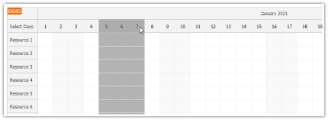
JavaScript Scheduler: Use Frozen Rows to Select Time Columns
How to add a special row to the JavaScript Scheduler time header that will let users select multiple columns using drag and drop.
Sep 18, 2020
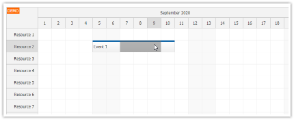
JavaScript Scheduler: Use Shift+Drag to Start Selection over Events
How to override the drag behavior to allow time range selection to be started anywhere in the Scheduler grid (over cells or events).
Sep 17, 2020
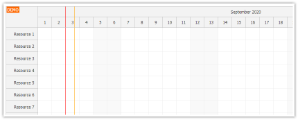
JavaScript Scheduler: Show Separators in the Time Header
How to display time separators in the time header of the JavaScript Scheduler (in addition to the Scheduler grid).
Sep 3, 2020
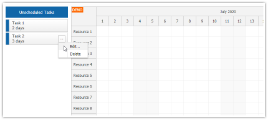
JavaScript Scheduler: Context Menu for External Items
How to add DayPilot context menu to any DOM element.
Jul 3, 2020
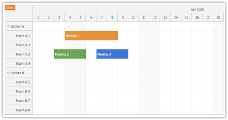
Angular 10 Scheduler Quick Start Project
How to add a visual Scheduler component to your Angular 10 application. The Scheduler will let you plan and manage reservations, meetings, work orders and other events.
Jul 2, 2020
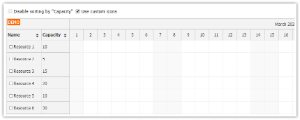
JavaScript Scheduler: Row Sorting Customization
How to customize the JavaScript Scheduler row sorting feature. You can define custom sort icons (Font Awesome or other icon sets or custom images), disable sorting for selected events, and adjust the sorting logic.
Mar 25, 2020
JavaScript Scheduler: How to Edit Multiple Fields using a Modal Dialog
How to create a modal dialog with custom fields and let users edit JavaScript Scheduler events on click. The modal dialog fields are defined programmatically using an array.
Mar 16, 2020
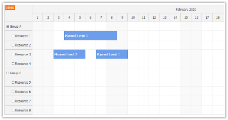
Angular 9 Scheduler Quick Start Project
Angular 9 project that includes Angular Scheduler component with all required boilerplate code. The project supports Ivy compiler in combination with AOT (ahead-of-time) compilation mode enabled.
Feb 11, 2020
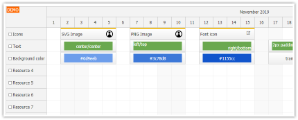
JavaScript Scheduler: How to Export HTML to Image
How to configure the image export of the JavaScript Scheduler to include rich HTML content.
Nov 5, 2019
Angular 8 Scheduler Quick Start Project
Angular 8 project with pre-configured Angular Scheduler component. You can use this project as a quick start for your own Scheduler implementation.
Sep 16, 2019
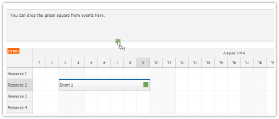
JavaScript Scheduler: Dragging Items from Events
How to drag items from events out of the Scheduler and drop it on a custom drop target. The source event data object is attached to the dragged item and can be read on drop.
Jul 23, 2019
ASP.NET Scheduler PDF Export (C#, VB, SQL Server)
This tutorial shows to how export the Scheduler including events/tasks to a PDF document in an ASP.NET application.
Jul 10, 2019
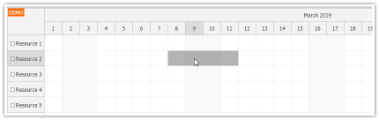
JavaScript Scheduler: Skip Non-Business Cells during Drag and Drop
How to add custom logic to the Scheduler component that skips non-business cells during drag and drop operations (event creating, event resizing, event moving).
Mar 29, 2019
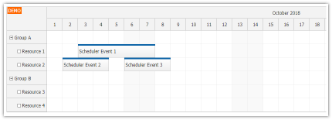
Angular 7 Scheduler Quick Start Project
Angular 7 project with pre-configured Scheduler component.
Oct 24, 2018
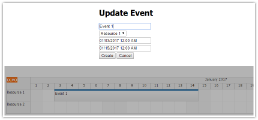
Angular Scheduler: Modal Dialog for Event Editing
Angular 6 project with Scheduler component that allows creating and editing events using a modal dialog.
Aug 2, 2018
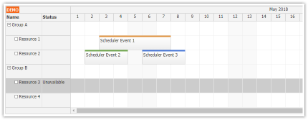
Angular 6 Scheduler Quick Start Project
Angular 6 project that uses a pre-configured Scheduler component to display a timeline for multiple resources.
Jun 3, 2018