 DayPilot
Back to All Tutorials
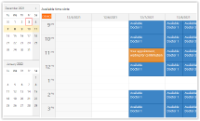
ASP.NET Core Doctor Appointment Scheduling Tutorial (.NET 10)
ASP.NET Core application for doctor appointment scheduling. The application works with three roles: manager (define available appointment slots), patient (request an appointment using one of the available slots), and doctor (manage existing appointments).
Mar 21, 2026
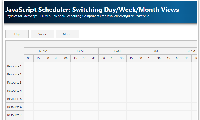
JavaScript Scheduler: Switching Day/Week/Month Views
How to define day/week/month views for the JavaScript Scheduler. The current view can be switched using custom buttons.
Mar 21, 2026
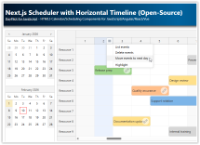
Next.js Scheduler with Horizontal Timeline (Open-Source)
Build a Next.js scheduler with a horizontal timeline (one year, day-by-day) featuring a date picker with scroll synchronization, a timeline header context menu for bulk day actions, and column highlighting.
Feb 14, 2026
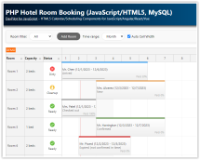
PHP Hotel Room Booking System (JavaScript/HTML5, MySQL)
A tutorial that shows how to create a PHP reservation system for hotel rooms with JavaScript/HTML5 frontend. The user interface includes a visual scheduling calendar with drag and drop support. MySQL and SQLite databases.
Feb 11, 2026
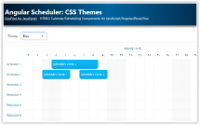
Angular Scheduler: CSS Themes
How to change the Angular Scheduler component appearance using a CSS theme. You can use one of the predefined themes or create your own theme using an online tool.
Jan 30, 2026
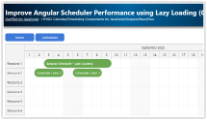
Improve Angular Scheduler Performance using Lazy Loading (Code Splitting)
Use Angular lazy loading feature to improve the initial load time of your Scheduler application.
Jan 25, 2026
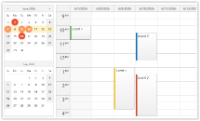
Vue Date Picker with Free/Busy Highlighting (Open-Source)
Use the Vue date picker component (Navigator) to change the current date. The date picker can highlight dates that already have events or are not available.
Jan 25, 2026
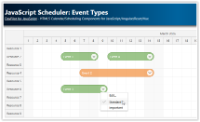
JavaScript Scheduler: Event Types
How to define your own Scheduler event types and customize the appearance. You can change the event type using a context menu or a modal dialog.
Jan 24, 2026
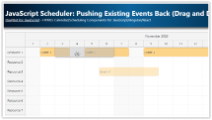
JavaScript Scheduler: Pushing Existing Events Back (Drag and Drop)
How to configure the JavaScript Scheduler to automatically move existing events later when a new event is dragged and dropped, to avoid overlaps.
Jan 24, 2026
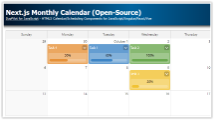
Next.js Monthly Calendar (Open-Source)
Learn how to build a customized monthly calendar UI in Next.js 16 using the open-source DayPilot scheduling library.
Jan 23, 2026