 DayPilot
Below, you can find a list of Next.js calendar/scheduling tutorials built using Next.js version 16:
Next.js Weekly Calendar (Open-Source)
Add an interactive scheduling calendar to your Next.js application using the open-source DayPilot library.
Oct 26, 2026
Next.js Calendar with Day/Week/Month Views (Open-Source)
How to create an integrated day, week, and month calendar view with a shared data source in Next.js.
Oct 23, 2026
Next.js Scheduler with Horizontal Timeline (Open-Source)
Build a Next.js scheduler with a horizontal timeline (one year, day-by-day) featuring a date picker with scroll synchronization, a timeline header context menu for bulk day actions, and column highlighting.
Sep 28, 2026
Next.js Scheduler: How to Show Planned vs. Actual Task Durations using Task Versions
How to build a visual schedule in Next.js that displays the planned version of a task above its actual version. This makes it easy to compare durations and track deviations from the original plan.
Sep 24, 2026
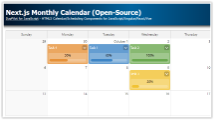
Next.js Monthly Calendar (Open-Source)
Learn how to build a customized monthly calendar UI in Next.js 16 using the open-source DayPilot scheduling library.
Jan 23, 2026
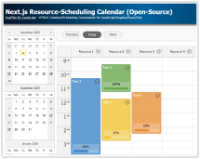
Next.js Resource-Scheduling Calendar (Open-Source)
This Next.js app uses a resource-scheduling calendar UI to let you manage tasks for multiple resources side by side. Each column displays a 24-hour timeline for a different resource.
Jan 8, 2026
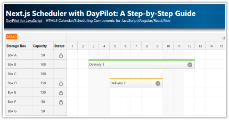
Next.js Scheduler with DayPilot: A Step-by-Step Guide
Learn how to incorporate the React Scheduler in a Next.js application, focusing on configuration, event handling, and using the direct API.
Jan 6, 2026