 DayPilot
ASP.NET Core Timesheet (.NET 10, SQL Server, Entity Framework)
How to create a drag-and-drop timesheet application in ASP.NET Core (.NET 10) with SQL Server and Entity Framework.
Oct 19, 2026
JavaScript Scheduler: Expandable Event Groups
How to group related events into a single event in the JavaScript Scheduler component and add expand [+] and collapse [-] icons that allow changing the event visibility.
Oct 18, 2026
JavaScript Scheduler: A Guide to Touch and Mobile Support
Build a touch-friendly JavaScript Scheduler with DayPilot. Create, move and resize events, open an event menu, and edit dates and resources on phones, tablets and desktop browsers.
Oct 18, 2026
Angular Scheduler: How to Add Components to the Upper-Left Corner
How to add a custom Angular component to the upper-left corner of the Scheduler.
Oct 16, 2026
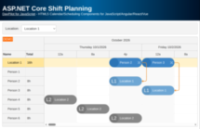
ASP.NET Core Shift Planning (Entity Framework, .NET 10)
This tutorial explains how to create a visual ASP.NET Core application for scheduling shifts (multiple locations and employees). It uses a modern UI that lets you manage shifts using drag and drop.
Oct 16, 2026
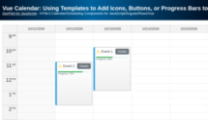
Vue Calendar: Using Templates to Add Icons, Buttons, or Progress Bars to Events (Open-Source)
Vue templates allow adding dynamic content to Vue Calendar events, including interactive elements and custom Vue components.
Oct 15, 2026
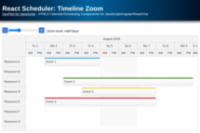
React Scheduler: Timeline Zoom
How to add a zoom feature to the React Scheduler timeline. You can change the zoom level (and timeline resolution) using a "range" control and "zoom in" and "zoom out" buttons.
Oct 15, 2026
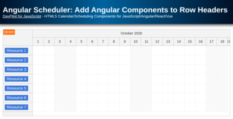
Angular Scheduler: Add Angular Components to Row Headers
Learn how to insert custom components in Angular Scheduler row headers.
Oct 15, 2026
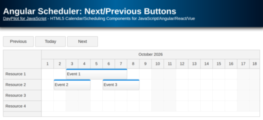
Angular Scheduler: Next/Previous Buttons
Angular project that shows how to implement next/previous/today buttons that change the month displayed by the Angular Scheduler component.
Oct 15, 2026
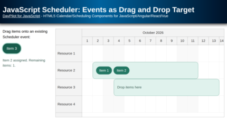
JavaScript Scheduler: Events as Drag and Drop Target
How to configure Scheduler event boxes to accept items from an external list (drag and drop). Implemented using standard HTML5 drag and drop API.
Oct 14, 2026