 DayPilot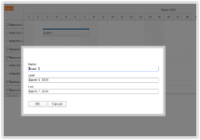
JavaScript Scheduler: How to Edit Multiple Fields using a Modal Dialog
How to create a modal dialog with custom fields and let users edit JavaScript Scheduler events on click. The modal dialog fields are defined programmatically using an array.
Mar 16, 2020
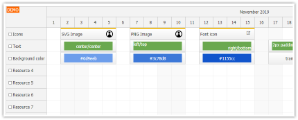
JavaScript Scheduler: How to Export HTML to Image
How to configure the image export of the JavaScript Scheduler to include rich HTML content.
Nov 5, 2019
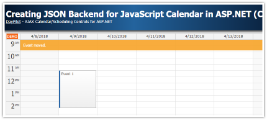
Creating JSON Backend for JavaScript Calendar in ASP.NET (C#)
ASP.NET application that uses JavaScript calendar component with custom JSON endpoints (implemented by overriding Web Form pages).
Apr 9, 2018
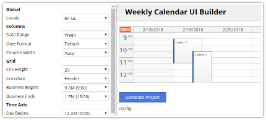
JavaScript Calendar Online Configurator
Configure the JavaScript calendar component using an online configurator app and generate a ready-to-run HTML5/JavaScript project that includes all dependencies.
Mar 12, 2018
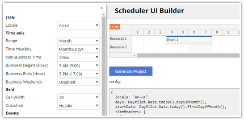
HTML5/JavaScript Scheduler: Online Configurator
Use an online configurator to customize JavaScript scheduler component user interface. Generate and download a ready-to-run project.
Jan 23, 2018
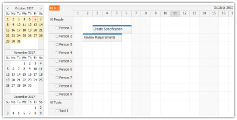
AngularJS Scheduler Tutorial
AngularJS web application for scheduling events for multiple resources (people, tools). Supports drag and drop scheduling. Sample PHP application with source code.
Oct 6, 2017
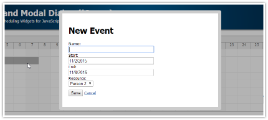
HTML5 Scheduler and Modal Dialog (jQuery)
Simple web application that shows how to use a modal dialog to create and edit JavaScript Scheduler events. Includes PHP source code for download.
Sep 22, 2017
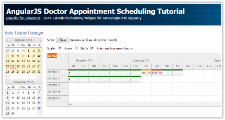
AngularJS Doctor Appointment Scheduling Tutorial (PHP)
Sample AngularJS application for scheduling and managing doctor appointments. Includes public interface for patients and private interface for doctors and shift managers. Includes a PHP backend.
Sep 21, 2017
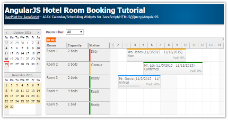
AngularJS Hotel Room Booking Tutorial
How to create an AngularJS hotel room booking application using AngularJS scheduler plugin. Includes PHP backend (SQLite, MySQL).
Jun 27, 2017
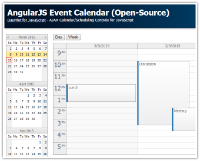
AngularJS Event Calendar (Open-Source)
AngularJS web application that shows how to create a simple event calendar solution, displaying day and week view and date selector. Supports drag and drop event moving and resizing, event editing using a modal dialog. JSON-based PHP server-side backend.
Jan 9, 2017