 DayPilot
Back to All Tutorials
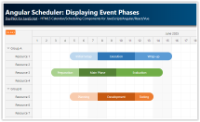
Angular Scheduler: Displaying Event Phases
Angular 18 project that shows how to display events split into phases in the Scheduler component.
Jul 16, 2024
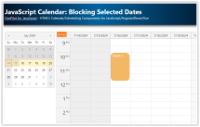
JavaScript Calendar: Blocking Selected Dates
Block access to past dates in the JavaScript Calendar component. Past dates are not accessible using the date picker and drag and drop operations are disabled.
Jul 14, 2024
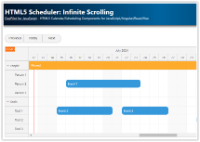
HTML5 Scheduler: Infinite Scrolling
Simple HTML5/PHP web application that shows how to enable infinite scrolling for the Scheduler UI component.
Jul 12, 2024
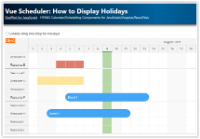
Vue Scheduler: How to Display Holidays
How to display global and row-specific holidays in the Vue Scheduler. Optionally, disable the drag and drop operations for the holiday cells.
Jul 12, 2024
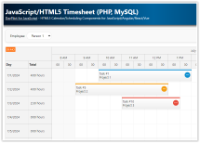
JavaScript/HTML5 Timesheet (PHP, MySQL)
How to create a timesheet using the JavaScript/HTML5 timesheet component. Sample PHP/MySQL application source code for download.
Jul 9, 2024
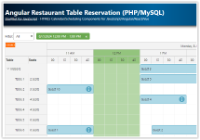
Angular Restaurant Table Reservation (PHP/MySQL)
Angular application that lets you manage restaurant table reservations. Includes a PHP/MySQL backend.
Jul 7, 2024
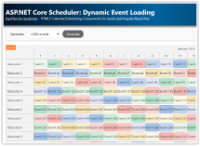
ASP.NET Core Scheduler: Dynamic Event Loading
ASP.NET Core project that uses JavaScript Scheduler component with dynamic event loading feature enabled. See what performance you can expect when displaying large data sets.
Jul 7, 2024
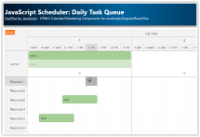
JavaScript Scheduler: Daily Task Queue
How to create a queue of tasks scheduled for a specific day. The exact time of day and resource can be assigned using drag and drop in the next step.
Jul 3, 2024
JavaScript Scheduler: Disabling Custom Date/Time Ranges
How to disable custom date/time range in each row of the JavaScript Scheduler component.
Jul 2, 2024
Angular Scheduler: Event Filtering
Angular application with Scheduler component that can filter events in real time (by text, category, duration).
Jun 30, 2024