 DayPilot
How to Use CSS Themes with the React Scheduler Component
Learn how to change a React Scheduler CSS theme, create and apply your own theme and override individual styles.
Jan 9, 2026
Vue.js Weekly Calendar Tutorial (Open-Source)
How to create a weekly calendar web application using a Vue calendar component. The tutorial includes a Vue.js project with JavaScript source code for download.
Jan 9, 2026
Next.js Resource-Scheduling Calendar (Open-Source)
This Next.js app uses a resource-scheduling calendar UI to let you manage tasks for multiple resources side by side. Each column displays a 24-hour timeline for a different resource.
Jan 8, 2026
React Scheduler: TypeScript Project
This tutorial shows how to use the React Scheduler component to create a reservation application in React, using TypeScript language.
Jan 7, 2026
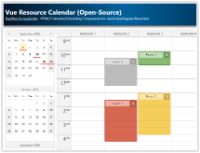
Vue Resource Calendar (Open-Source)
Use the Vue calendar component to display an interactive schedule for multiple resources.
Jan 6, 2026
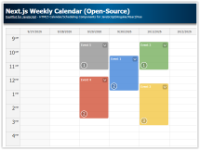
Next.js Weekly Calendar (Open-Source)
Add an interactive scheduling calendar to your Next.js application using the open-source DayPilot library.
Jan 5, 2026
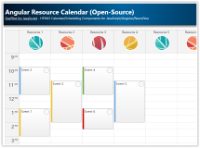
Angular Resource Calendar (Open-Source)
Angular application that shows how to create a resource calendar Angular component that displays event data in multiple columns. The resource calendar supports drag and drop out of the box.
Jan 3, 2026
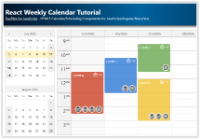
React Weekly Calendar Tutorial (Open-Source)
React application that displays a weekly event calendar using the open-source DayPilot React calendar component. Includes a date picker for changing the visible week. The calendar/scheduler appearance is customized using CSS.
Jan 2, 2026
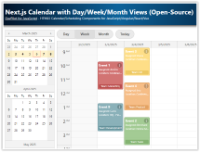
Next.js Calendar with Day/Week/Month Views (Open-Source)
How to create an integrated day, week, and month calendar view with a shared data source in Next.js.
Dec 30, 2025
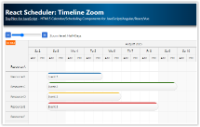
React Scheduler: Timeline Zoom
How to add a zoom feature to the React Scheduler timeline. You can change the zoom level (and timeline resolution) using a "range" control and "zoom in" and "zoom out" buttons.
Dec 15, 2025
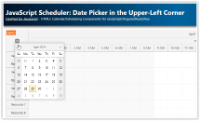
JavaScript Scheduler: Date Picker in the Upper-Left Corner
How to embed a calendar icon in the upper-left corner of DayPilot Scheduler, hook it up to an inline DatePicker, and update the visible timeline.
Dec 14, 2025
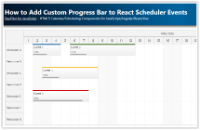
How to Add Custom Progress Bar to React Scheduler Events
The React Scheduler component allows customization of event content. This tutorial shows how to add a custom progress bar using event active areas.
Dec 7, 2025
JavaScript Scheduler: Use Custom Button to Scroll to Next Event
How to implement Previous and Next buttons that find the nearest event outside the current viewport of the JavaScript Scheduler component.
Dec 2, 2025
Angular Calendar: Day/Week/Month Views (Open-Source)
Angular project that displays an event calendar component with day, week and month views that share the same data and can be easily switched. A date picker component is used to switch the current date and highlight busy days.
Dec 1, 2025
JavaScript Scheduler: Zoom (Open-Source)
How to change the zoom level of the JavaScript Scheduler component in real time using a slider and (+)/(-) buttons.
Dec 1, 2025
ASP.NET Core Resource-Scheduling Calendar (Open-Source)
How to create a resource-scheduling calendar in ASP.NET Core that displays resources as columns. Add more UI features, such as free/busy highlighting, next/previous date-changing buttons and a modal dialog for editing event details.
Nov 13, 2025
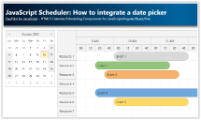
JavaScript Scheduler: How to Integrate a Date Picker
How to link the JavaScript Scheduler component to a date picker that can change the visible date.
Oct 10, 2025
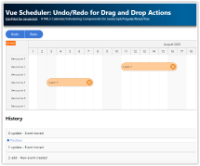
Vue Scheduler: Undo/Redo for Drag and Drop Actions
How to add "Undo" and "Redo" buttons to the Vue Scheduler. The UndoService maintains history of changes and allows unlimited undo/redo.
Oct 6, 2025
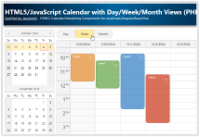
Open-Source HTML5/JavaScript Calendar with Day/Week/Month Views (PHP, MySQL)
HTML5/JavaScript event calendar with day, week, and month views and integrated date navigator. Includes a sample PHP backend with MySQL database.
Oct 6, 2025
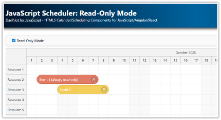
JavaScript Scheduler: Read-Only Mode
How to switch the JavaScript Scheduler to read-only mode (disables all drag-and-drop) and how to disable drag-and-drop for specific events.
Oct 5, 2025