 DayPilot
Dive into our suite of tutorials designed to help you manage and highlight holidays in the Scheduler component. Using Vue, Angular, or JavaScript, these guides will take you through the steps to display global and row-specific holidays and configure custom holiday information. You'll also learn to enhance user interaction by managing drag-and-drop operations during holidays.
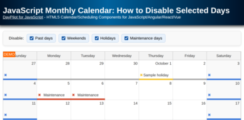
JavaScript Monthly Calendar: How to Disable Selected Days
How to mark selected days as disabled and prevent adding, moving, and resizing events. You can use this technique to disable days in the past, weekends, holidays or other dates.
Oct 22, 2026
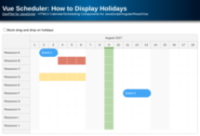
Vue Scheduler: How to Display Holidays
How to display global and row-specific holidays in the Vue Scheduler. Optionally, disable the drag and drop operations for the holiday cells.
Sep 20, 2026
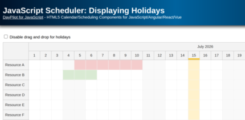
JavaScript Scheduler: Displaying Holidays
How to configure the JavaScript Scheduler component to display global and resource-specific holidays and prevent user actions in holiday cells.
May 31, 2026
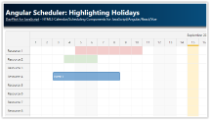
Angular Scheduler: Highlighting Holidays
Angular tutorial that shows how to highlight global and resource-specific holidays in the Angular Scheduler UI component.
Jan 16, 2026