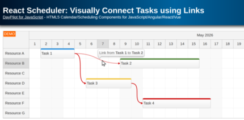
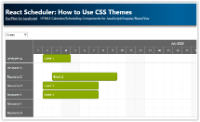
Links can be used to display relationships between tasks in the React Scheduler UI component. Learn about the most common use cases and configuration options.
Add a scheduler UI component to your React 19 application using the current DayPilot builder template. Covers one-year timeline setup, row headers, filtering, drag and drop, and context menu customization.
Learn how to search React Scheduler events, highlight matching text, and jump between results using Next and Previous buttons in a React 19 application.
How to display a timesheet in a React application. Learn how to configure the time axis, hide non-business hours, add daily totals, and edit records using drag and drop.
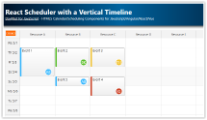
React application that lets you visually schedule shifts at multiple locations. The backend REST API is implemented using PHP, with SQLite default storage and optional MySQL.
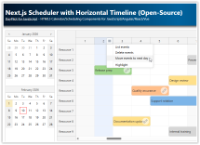
Build a Next.js scheduler with a horizontal timeline (one year, day-by-day) featuring a date picker with scroll synchronization, a timeline header context menu for bulk day actions, and column highlighting.
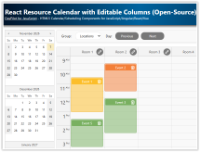
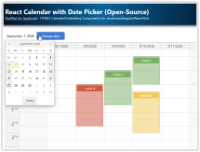
How to use the open-source React resource calendar component to create a scheduling application for multiple groups of resources (locations, people, tools). Add a date picker and next/previous buttons that let users change the visible date.
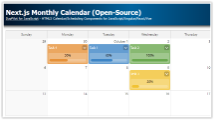
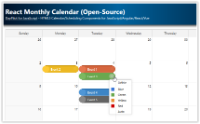
React application that displays a monthly event calendar. Calendar events use custom background to show event type. A context menu allows deleting events and changing color.
 DayPilot